

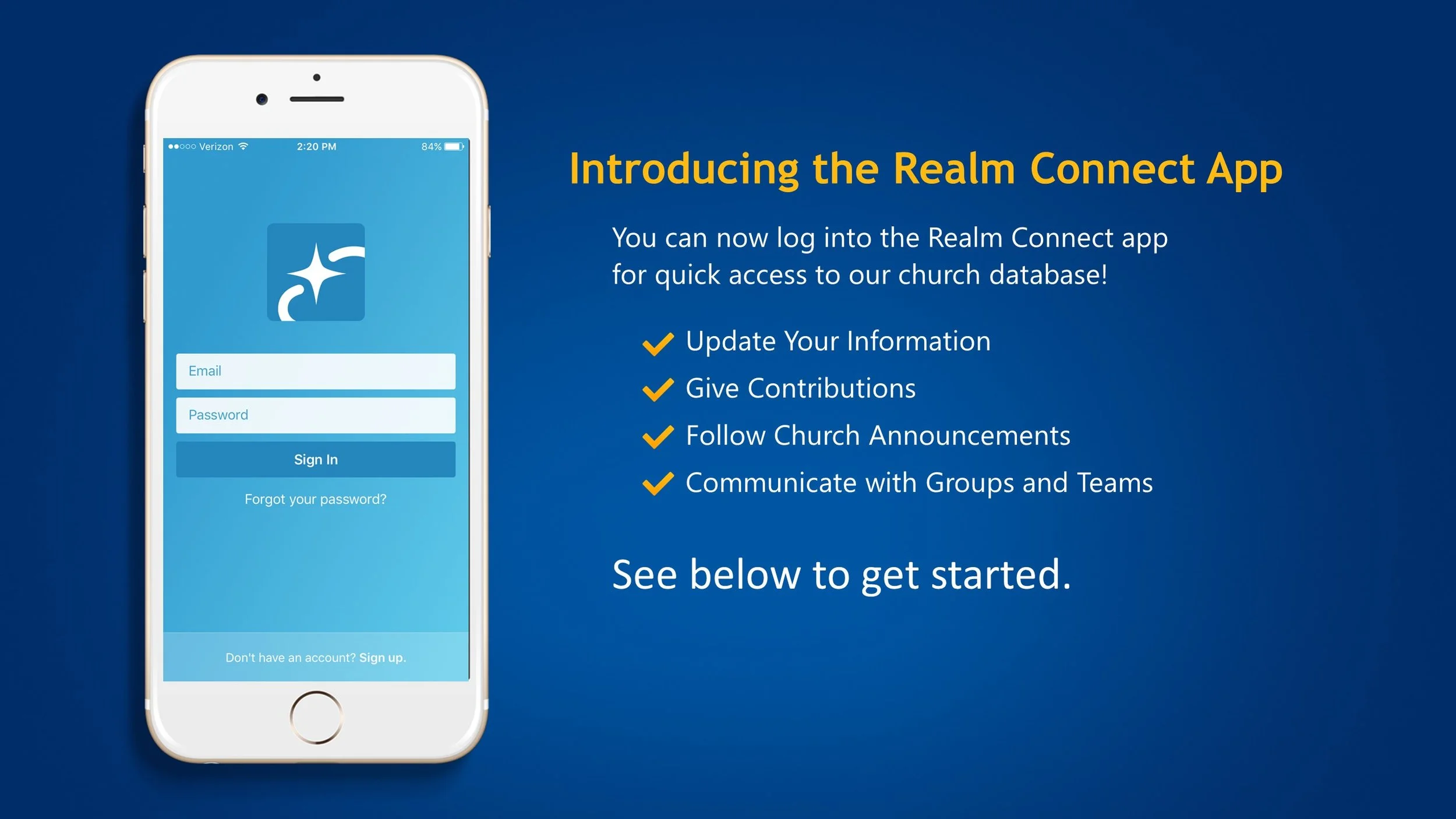
ACS REALM Connect
Realm is our secure online community for members and friends of Hitchcock Presbyterian Church. It’s designed to help you stay connected, manage your giving, and engage with our church family—easily and safely.
With Realm, you can:
Review your giving history and track pledge progress
Make one-time or recurring donations online
Update your contact information and control what others see
Explore church events, groups, and volunteer opportunities
Connect and communicate with other members and friends
Your information is private and protected, and you have full control over what you share. Realm is always available—online or on your mobile device—so you can stay connected with the life of our church anytime, anywhere.
-
Your privacy is one of our highest priorities. Realm is made up exclusively of the people of Hitchcock Presbyterian Church. Your information is kept secure, and Realm gives you full control over what details you choose to share and who is able to see them.
-
Review your giving history or make donations anytime—online or from your mobile device. Simply sign in to view your year-to-date giving, track your pledge progress, print contribution statements, or set up a one-time or recurring donation. Realm is always accessible, secure, and designed to be easy to use.
-
Yes. You choose what personal details are visible and who can see them.
-
No. Your information is not sold or shared with outside organizations.
-
Only members and friends of Hitchcock Presbyterian Church are eligible to have a Realm account.
-
You can reset your password online, or the church office can assist you.
-
Yes. Realm can be accessed on a computer, tablet, or smartphone.
-
No. Your giving information is completely private and can only be viewed by you and authorized church finance staff.
-
You can update your information directly in Realm or contact the church office for help.
-
Yes. Notification preferences can be adjusted at any time.ption
-
Everyone in our church gets a unique profile. Your profile contains everything you want people in our church to know about you. Your profile also enables you to join a small group, RSVP to events, track your giving, update your contact information, change family details, set notification preferences, and upload a profile photo. By keeping your information current, you are helping our staff, group leaders, and our church community.
Your Profile includes:
• Contact Information* (e.g. name, address, email, phone)
• Photo
• Family Members
• Personal Information (e.g. marital status, birthday**, etc.)
*You can decide later what data you want to hide online by setting your privacy preferences.
**The year of your date of birth and your age will not be displayed on your church directory profile.
How to Get Started with Realm
1. Create an Account and Sign In
You will receive an email inviting you to join our online community. Look for an email titled:
“Hitchcock Presbyterian Church: Join our online community.”
(If you don’t see it, check your spam or junk folder.)
Follow the instructions in the email to access your account and create a password. By signing up for Realm, you agree not to share information with anyone outside the Hitchcock Presbyterian Church community.
2. Check and Update Your Personal Information
Keeping your contact information up to date helps you stay connected. You can update your information and privacy settings in Realm using the steps below:
On a Computer or Web Browser:
Click your name in the top-right corner.
Under My Profile Views, select Connect.
Click Edit Profile. To adjust privacy settings, click Manage Privacy.
On a Mobile Device:
Click the circle with your initials in the top-left corner.
Press the pencil icon next to each field to edit or update your information.
Make sure to save any changes to keep your profile current.
Keeping your profile up to date makes it easier to stay connected with the church community.
3. Upload a Profile Picture
Go to My Profile.
Click the circle with your initials.
Click the blue pencil icon to upload a photo.
Adding a picture helps others recognize you in the church directory and community.
4. Search People in the Directory
On a Computer or Web Browser:
Click Directory in the main menu.
Use the search bar at the top to type a name, group, or ministry.
Click a person’s name to view their contact information (according to their privacy settings).
On a Mobile Device:
Tap Directory in the menu.
Use the search bar to find members or friends.
Tap a person’s name to see their information.
The directory makes it easy to connect with church members and friends, find small groups, or reach out to ministry teams.
Realm Connect is available to anyone who is connected with Hitchcock Presbyterian Church.
To access Realm Connect, sign in using your preferred web browser:
or download the Realm Connect app for your mobile device.